 LESSON 1 OUT
OF 3: introduction
LESSON 1 OUT
OF 3: introduction
LESSON 1 OUT OF 3
Getting Started
Onboarding to the NewsQuake System
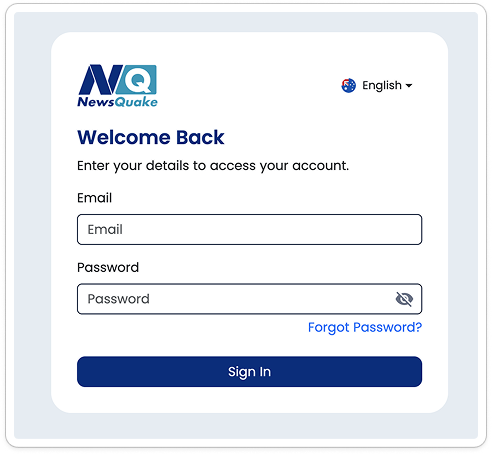
Log in to the NewsQuake System using your registered email and the temporary password provided in the email.
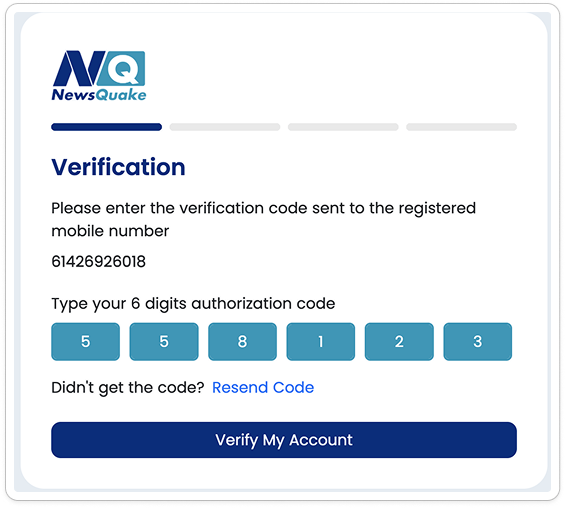
Enter OTP
Verify your identity by entering the 6-digit verification code sent to your registered mobile number.
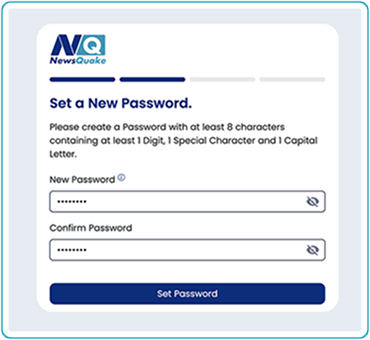
Set up your password.
Create a secure password for your account. Enter it twice to confirm and ensure accuracy.
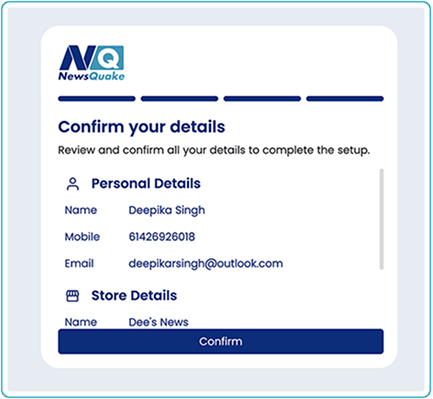
Please review your business information and contact details carefully. If any information needs to be updated, contact our support team at +1-800-SUPPORT for immediate assistance.
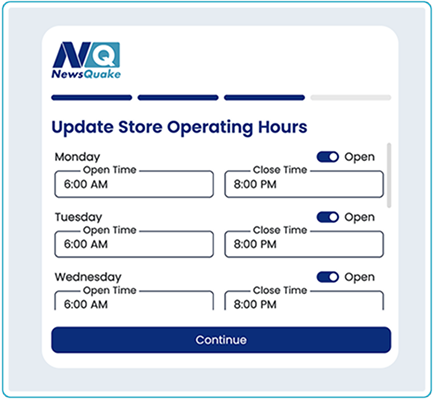
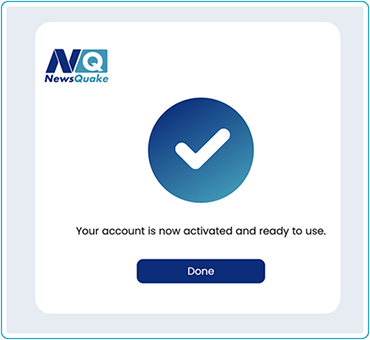
Congratulations! Your NewsQuake account is now fully activated and ready to use. You can start managing your business right away. Welcome aboard!