 LESSON 2 OUT
OF 3: System overview
LESSON 2 OUT
OF 3: System overview
LESSON 2 OUT OF 3
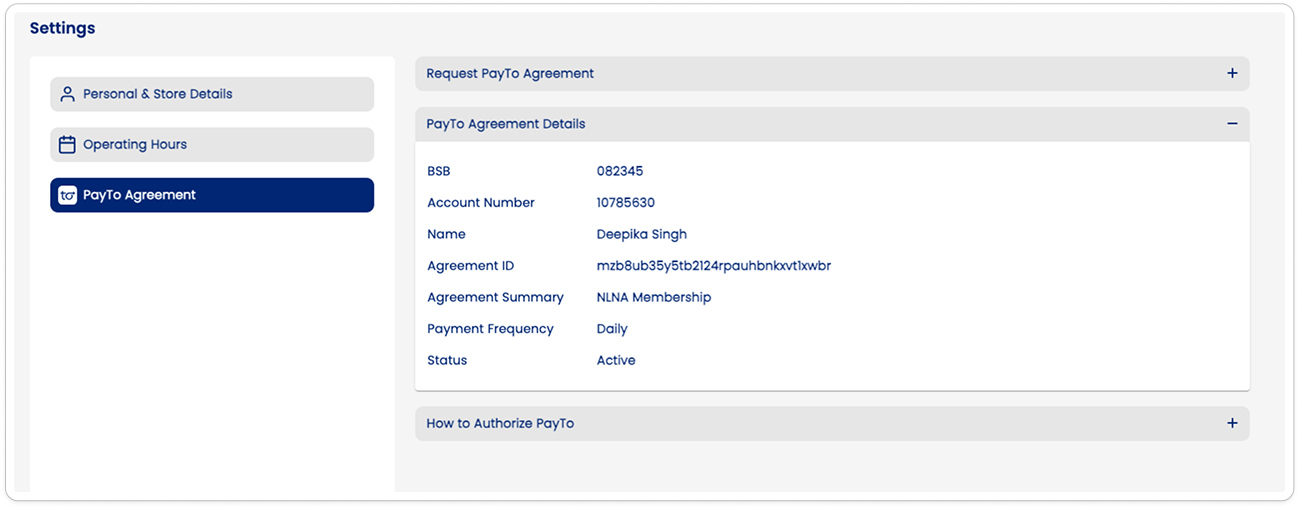
PayTo Agreement
Send PayTo Authorisation
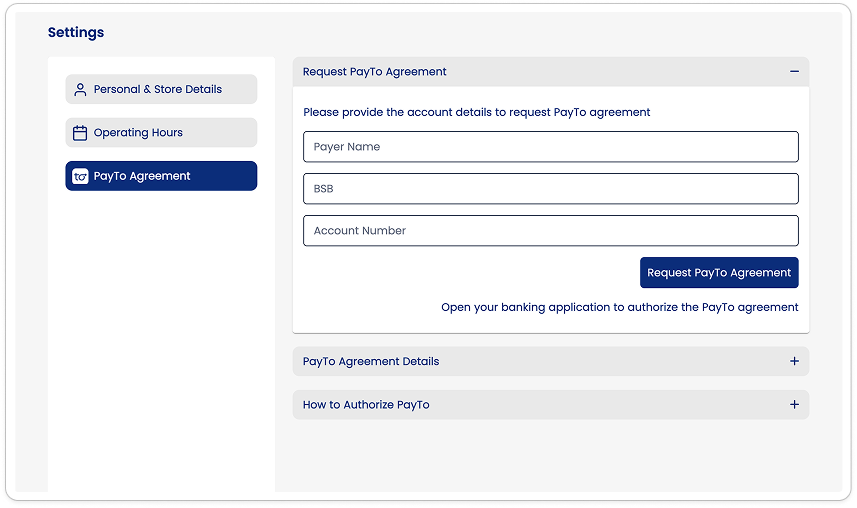
Go to Setting→’PayTo Agreement’
Provide your bank details to request the agreement
Approve PayTo Agreement on your banking application
- Login to your banking application to authorise the PayTo agreement request
- Find the section where your bank displays your PayTo agreements. A PayTo agreement that needs your approval will be marked as ‘Pending authorization’.
- Once you click on the PayTo agreement, the payment terms will be displayed for you to check.
- If you are ready to authorize it, click ‘Approve’. The agreement will then be marked as ‘Active’.
Check Agreement Details